
Opened on Jan 7, 2008 at 7:11:23 AM
Last modified on Jan 30, 2008 at 8:52:48 AM
#3 closed Bug
GuiListView Hiding Behind BG Image — at Version 9
| Reported by: | ame1011 | Owned by: | |
|---|---|---|---|
| Milestone: | 3.2.11.1 | Component: | AutoIt |
| Version: | Other | Severity: | |
| Keywords: | XP SP2 X86 | Cc: |
Description (last modified by )
link to old AutoIt3 Bug report forumhttp://www.autoitscript.com/forum/index.php?s=&showtopic=58810&view=findpost&p=444001
Run the script I provided above.
Make sure to drag the header divider far enough to the right to cause the horizontal scrollbar to appear, then you should see the bug.
Change History (10)
by , on Jan 7, 2008 at 7:12:04 AM
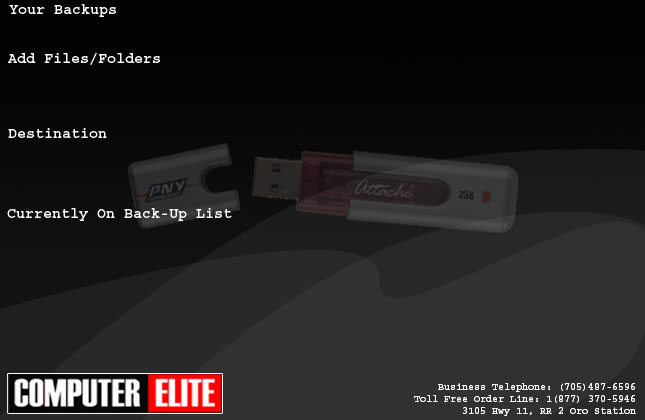
| Attachment: | bg_backup.jpg added |
|---|
comment:1 by , on Jan 7, 2008 at 9:57:44 AM
| Cc: | removed |
|---|
follow-up: 3 comment:2 by , on Jan 7, 2008 at 10:35:44 AM
follow-up: 4 comment:3 by , on Jan 7, 2008 at 10:38:56 AM
comment:5 by , on Jan 7, 2008 at 10:44:09 AM
Replying to ame1011:
http://www.autoitscript.com/forum/index.php?s=&showtopic=58810&view=findpost&p=444001
Run the script I provided above.
Make sure to drag the header divider far enough to the right to cause the horizontal scrollbar to appear, then you should see the bug.
reply from anonymous
comment:6 by , on Jan 7, 2008 at 10:45:31 AM
Replying to ame1011:
http://www.autoitscript.com/forum/index.php?s=&showtopic=58810&view=findpost&p=444001
Run the script I provided above.
Make sure to drag the header divider far enough to the right to cause the horizontal scrollbar to appear, then you should see the bug.
rereply to description from jp
comment:7 by , on Jan 7, 2008 at 10:47:16 AM
Replying to ame1011:
http://www.autoitscript.com/forum/index.php?s=&showtopic=58810&view=findpost&p=444001
Run the script I provided above.
Make sure to drag the header divider far enough to the right to cause the horizontal scrollbar to appear, then you should see the bug.
reply 3 from jp
comment:8 by , on Jan 7, 2008 at 10:56:06 AM
| Description: | modified (diff) |
|---|
comment:9 by , on Jan 7, 2008 at 10:57:08 AM
| Description: | modified (diff) |
|---|


add info with a jp user